



Spare Carpet Tiles: Storage and Replacement Guide
TL;DR
Keep spare carpet tiles from the original order for each style and colourway installed. Size the reserve for the area, expected traffic, access needs and replacement horizon; there is no single percentage that fits every project. Label the cartons, keep a floor plan and sample with the record, and check the product's current replacement instructions before work begins.

How many spare carpet tiles should you keep?
Start with a measured floor plan and list every distinct product code, colourway and module size. A large field of one colour and a small accent zone need separate reserves: spare tiles for one code cannot replace another. Ask the project team to agree a quantity for routine damage, possible floor-box access and future changes, then include it in the original order.
The reserve is separate from the installation cutting allowance. Record both on the order so leftover offcuts are not mistaken for full replacement modules. If a style has a strong direction or an intricate pattern, check how many full tiles a repair is likely to involve.
Interface's maintenance guidance describes replacing damaged modules from attic stock and notes that unused tiles may look newer than an established floor. That is a practical reason to retain the approved sample and test a replacement in the room before completing a visible repair.
Store tiles so they are usable later
| Keep with the spare tiles | Why it helps | Record |
|---|---|---|
| Exact product | Identifies the replacement material. | Series, style/code, colourway, size and backing. |
| Carton and batch labels | Connects stock to the original order. | Photograph labels and note lot or dye-run numbers if supplied. |
| Floor plan | Shows where each code and direction was installed. | Zones, doorways, pattern direction and floor-box locations. |
| Approved sample | Provides a physical visual reference. | Sample code, approval date and storage location. |
| Inventory | Prevents an empty carton from remaining on the register. | Full tiles or cartons, storage location, custodian and withdrawals. |

Store full, dry cartons where they are protected from crushing, contamination and uncontrolled moisture. Follow the storage conditions supplied with the selected product.
Keep each code and colourway in a separate labelled group. Put the floor plan, sample reference and current specification in the same digital handover folder as the stock register.
Recount after every repair. When stock runs low, ask the supplier about the exact code and current availability before assuming a later production run will look identical.
Replacing a damaged tile
- Find the installed product code and original layout direction on the floor plan.
- Check the damage and clean the area using the applicable maintenance guidance; some marks do not require replacement.
- Choose a full spare tile, compare it under room lighting and follow the selected product's current lifting and installation instructions.
- Inspect the joints and pile direction after installation, then record the tile used and update the reserve.
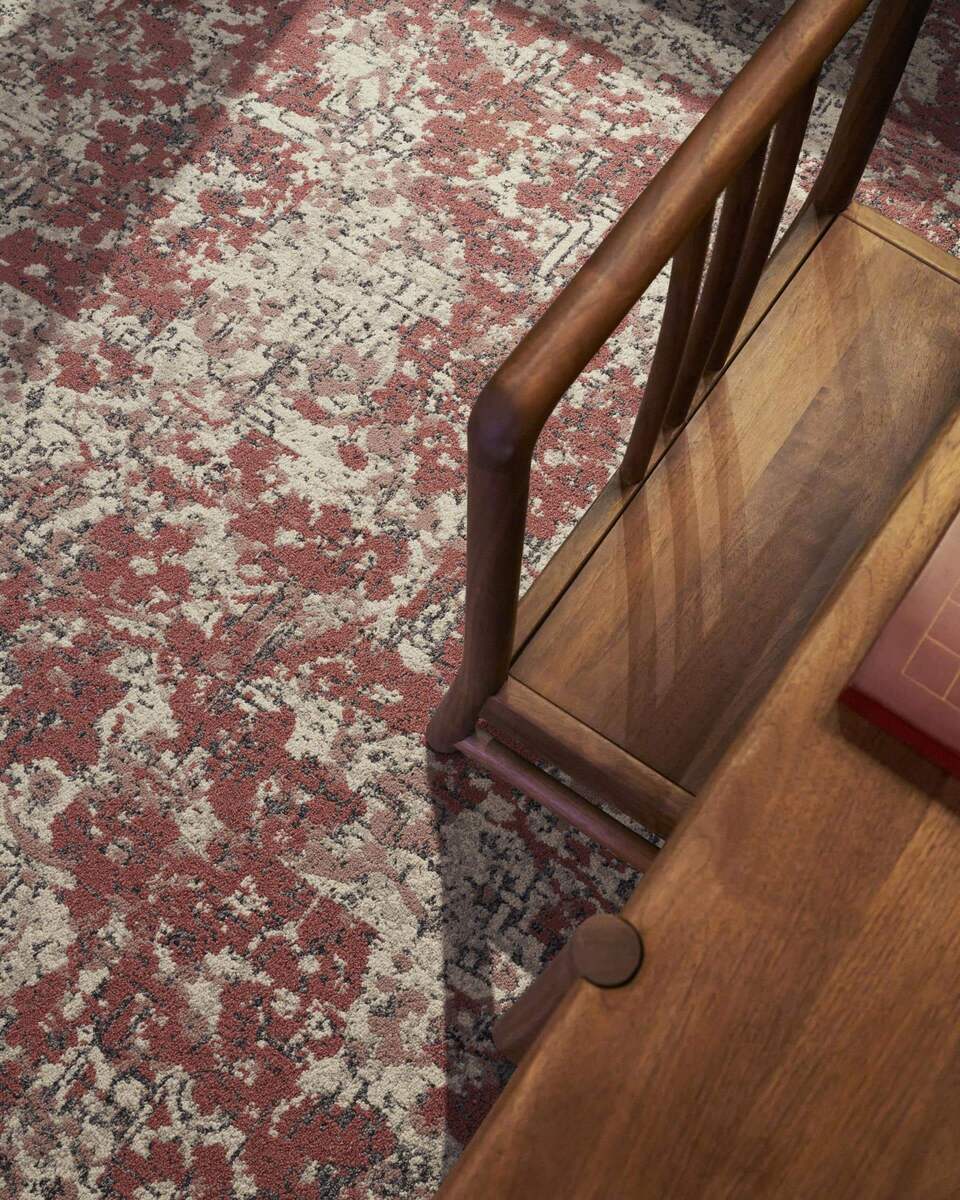
A simple handover checklist
Keep spare carpet tiles from the original order for each style and colourway installed. Size the reserve for the area, expected traffic, access needs and replacement horizon; there is no single percentage that fits every project. Label the cartons, keep a floor plan and sample with the record, and check the product's current replacement instructions before work begins.
View technical documents · Compare pattern matching · Ask about replacement stock
Frequently asked questions
How many spare carpet tiles should I order?
Calculate the reserve for each product and colourway from the installed area, likely damage, access needs and planned service period. Confirm the allowance with the designer, installer and supplier; a universal percentage may under- or over-supply a project.
Can a spare tile from the same order still look different?
Yes. A stored tile may appear newer than the surrounding floor after traffic, cleaning and light exposure. Compare it in the room and consider placement in a less conspicuous area if the difference is visible.
What belongs on the spare-stock label?
Write the series, exact style/code, colourway, module size, batch or dye run if available, quantity, storage location and the zones where that material was installed.
Can I replace one damaged carpet tile?
Often yes, if the system and site condition allow it. Use the current instructions for that product and installation method, check the adjacent joints, and update the inventory after the work.
Sources & further reading
- Interface — Carpet Tile Installation Instructions, Rev. 27/04/23
- Interface — Carpet Tile Maintenance Instructions
- CRI — Installation Standards
- CRI 104 — Standard for Installation of Commercial Carpet
- UNIJOY — technical documents
Figures attributed to other manufacturers are their own published values, quoted for context. Different laboratories, sample build-ups and substrates are not directly comparable.